
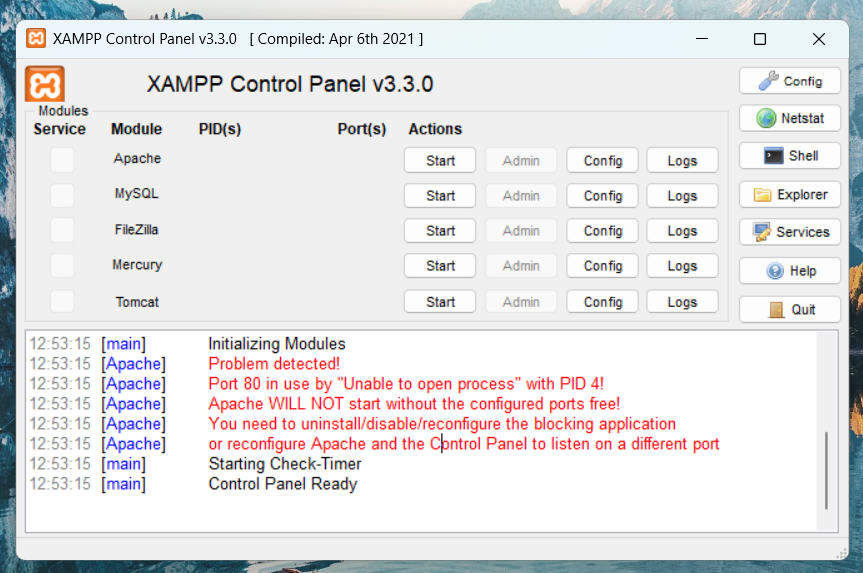
If you encounter a port 80 error in XAMPP, please refer to this solution:
Reference Link
There are many Windows services that might be using port 80.
Run the following command in Command Prompt (as Administrator) to stop them:
NET stop HTTP
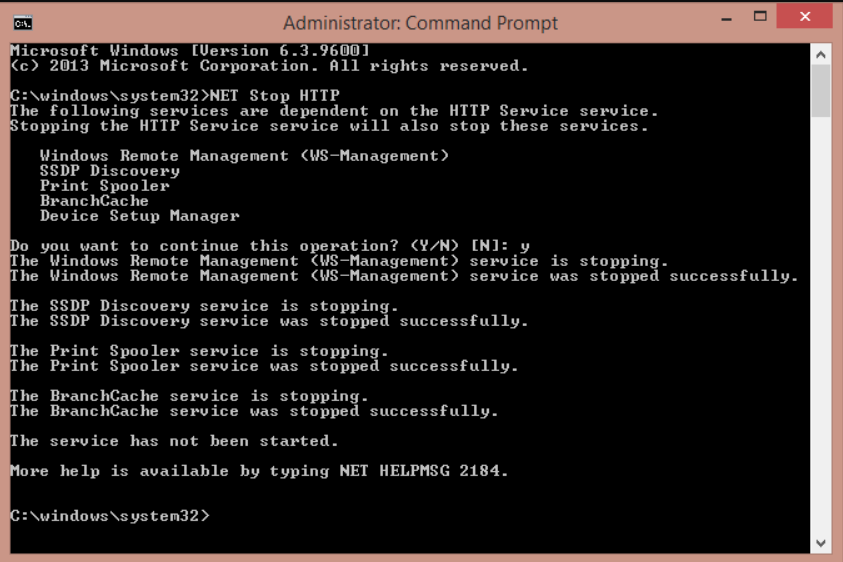
This will show you a list of services using port 80. You can stop them from the Local Services panel to avoid future conflicts.
Note: Some services may restart automatically—just run NET stop HTTP a couple of times if needed.